
Shopify Discount Showing Wrong Price? Fix Mismatch
Your Shopify discount shows one price on the product page and another at checkout. This guide walks you through the exact causes and fixes for price mismatches.
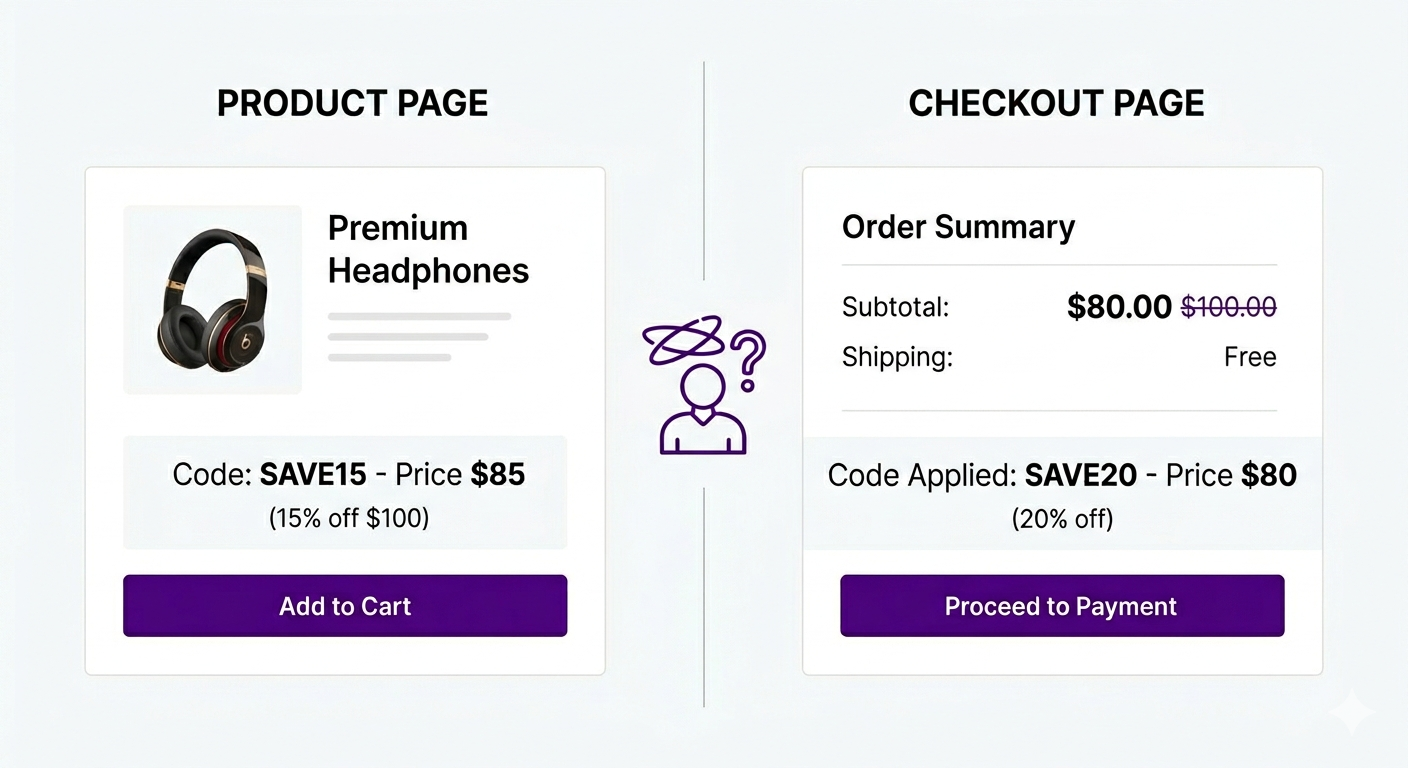
The Frustration: Product Page Price ≠ Checkout Price
A customer sees your discount code SAVE15 displayed on the product page as “15% off.” The price shows $85, which is 15% off $100. They add the product to cart and proceed to checkout. At checkout, the price is $80. Now your Shopify discount is showing the wrong price. The customer got 20% off instead of 15%.
Or worse, the code is supposed to apply 15% off, but checkout shows $90. That is only 10% off.
The customer becomes confused. Did the discount change? Is there a mistake? This kind of Shopify discount mismatch often leads to cart abandonment and loss of trust.
Debugging Shopify Discount Showing Wrong Price
This usually happens when:
- The product page shows one discount, but a different discount applies at checkout
- Multiple discounts stack, but only one is shown on the product page
- Customer eligibility changes between sessions
- Currency conversion creates different final values
- A new discount is added but the product page was not updated
Let’s walk through how to debug a Shopify discount showing wrong price.
Scenario 1: The Code Is No Longer Active
Problem: You created a discount code SAVE15 that was active through the end of March. It is now April. The code is no longer active, but the product page still shows it because it was cached or stored.
At checkout, the code does not apply. The full price appears, or a different active discount is used.
How to check:
Go to Settings → Discounts → Promotion Codes and check if the code is still active.
How to fix:
If the code expired, extend it or remove it from the product page.
Scenario 2: The Customer Doesn’t Qualify for the Code
Problem: You created a discount that only applies to a specific customer group, such as tagged users. The product page shows the discount to everyone.
At checkout, Shopify removes the discount because the customer does not meet eligibility conditions.
How to check:
Open the discount settings and review customer eligibility rules.
How to fix:
- Expand eligibility
- Or display the discount only to qualified users
Scenario 3: Multiple Discounts Are Stacking
Problem: You have a 15% discount code and an automatic 10% discount.
At checkout, both apply. The final discount becomes 25%. However, the product page only shows 15%.
This is one of the most common reasons why a Shopify discount shows the wrong price.
How to check:
Go to Settings → Discounts and review active discounts and stacking rules.
How to fix:
- Disable one discount
- Disable stacking in checkout settings
- Or update the product page to reflect combined discounts
Scenario 4: Currency Conversion Is Off
Problem: You are using Shopify Markets and selling in multiple currencies. Discounts may round differently depending on currency.
At checkout, the final price differs from what was shown on the product page.
How to check:
Review Shopify Markets configuration and pricing rules.
How to fix:
Adjust pricing per market and review rounding behavior.
Scenario 5: The Product Page Shows an Old Discount
Problem: You updated a discount from 15% to 20%, but the product page still shows the old price due to caching.
At checkout, the correct discount is applied.
How to check:
Open the page in incognito mode or refresh the cache.
How to fix:
Clear the cache and avoid storing calculated prices.
If this happens often, the real issue is that your product page relies on stored values instead of real-time calculations.
The Real Problem: Shopify Discount Showing Wrong Price
All of these scenarios come down to one issue.
Your product page shows a calculated or stored price that does not match the actual checkout logic.
The product page may rely on:
- Expired discounts
- Partial eligibility logic
- Single discount instead of stacked discounts
- Incorrect currency conversion
- Cached values
Checkout always shows the correct price because it uses Shopify’s real discount engine.
The Solution: Fix Shopify Discount Showing Wrong Price with Adsgun
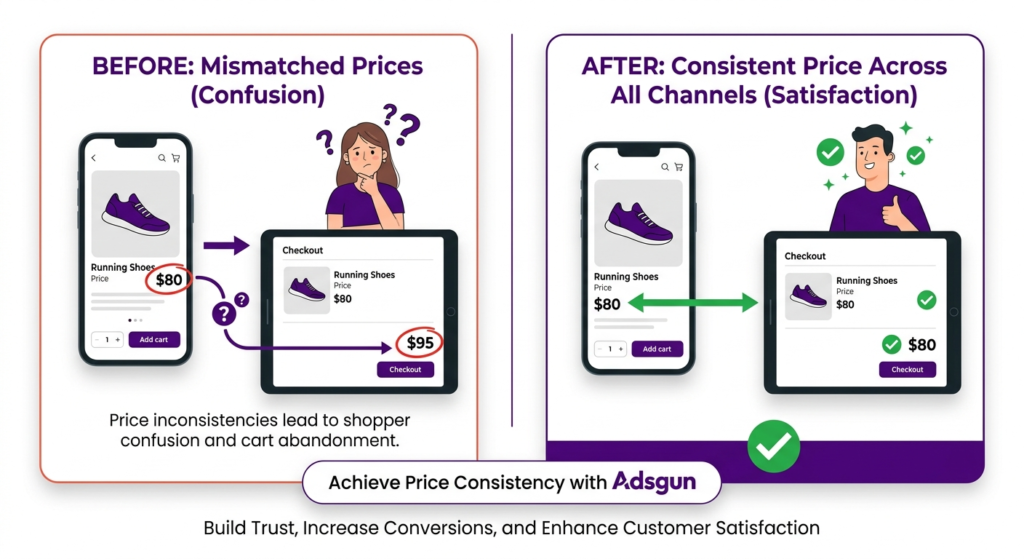
Instead of storing prices, Adsgun calculates discounts in real time.
When a customer visits a product page with a discount code in the URL, Adsgun:
- Validates if the discount is active
- Checks customer eligibility
- Detects stacking discounts
- Calculates the final price
- Displays the exact checkout price
This ensures your Shopify discount never shows the wrong price.
Ready to Fix Shopify Discount Price Mismatch?
If your Shopify discount is showing the wrong price, the solution is to stop storing prices and start calculating them dynamically.
Try Adsgun free for 7 days and ensure consistent pricing across your store.




