
Shopify Recurring Sale: How to Automate Weekly or Monthly Promotions
Recurring promotions save time and eliminate mistakes. Set a Shopify recurring sale rule once, and Adsgun handles every instance automatically, forever.
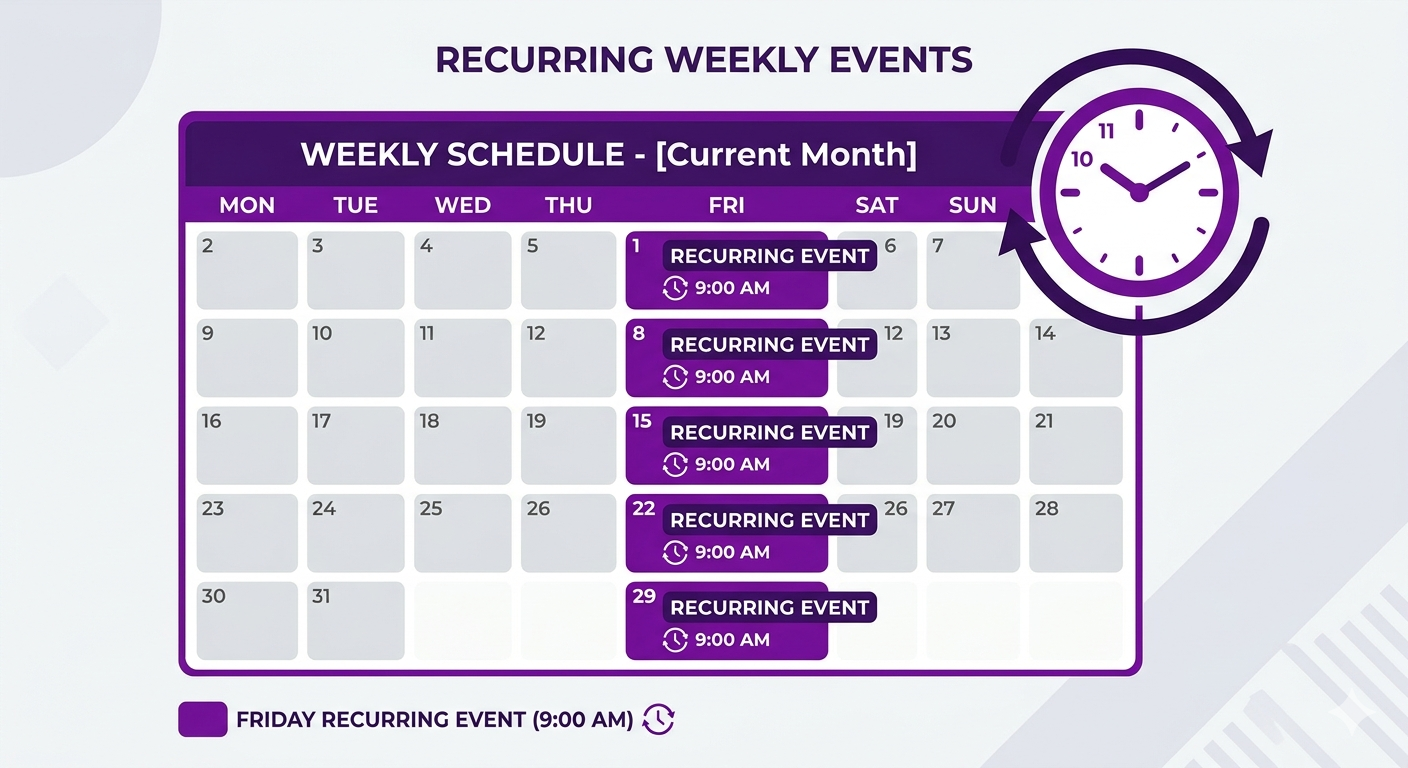
If you run the same promotion more than once, you already know the pain of managing it manually. A Shopify recurring sale solves this entirely. Instead of logging in every Friday to activate and deactivate your flash sale, you set the rule once and let the scheduler handle every instance automatically.
The Hidden Cost of Manual Recurring Promotions
Let’s say you run a flash sale every Friday evening from 6pm to midnight. Customers love it. Sales spike. But managing it manually costs more than you think.
Every Friday, you need to:
- Log into your Shopify admin (5 minutes)
- Navigate to your discount or pricing tool
- Enable the promotion (2 minutes)
- Check back at midnight to disable it (if you remember)
- Document it somewhere so you don’t forget next week
That’s 7 minutes per Friday. Over a year, that’s 6+ hours of admin time.
But the real cost is hidden:
- Mistakes. You forget to enable it one Friday. Sales drop. Customers complain. You rush to turn it on.
- Off-hours work. Friday at 6pm might be dinner time. You’re checking Shopify instead of being present.
- Manual end times. A promotion runs until Sunday by accident because you forgot to disable it. You’ve devalued your “flash sale” brand.
- Consistency. Some weeks you start at 6pm, some weeks at 6:15pm. The promotion feels unreliable.
Multiply this across multiple recurring promotions (weekly sale, monthly member day, seasonal countdown), and you’ve created a significant operational burden that distracts from strategy. A proper Shopify recurring sale setup eliminates all of it.
Shopify’s Native Discount Date Range: One-Time Only
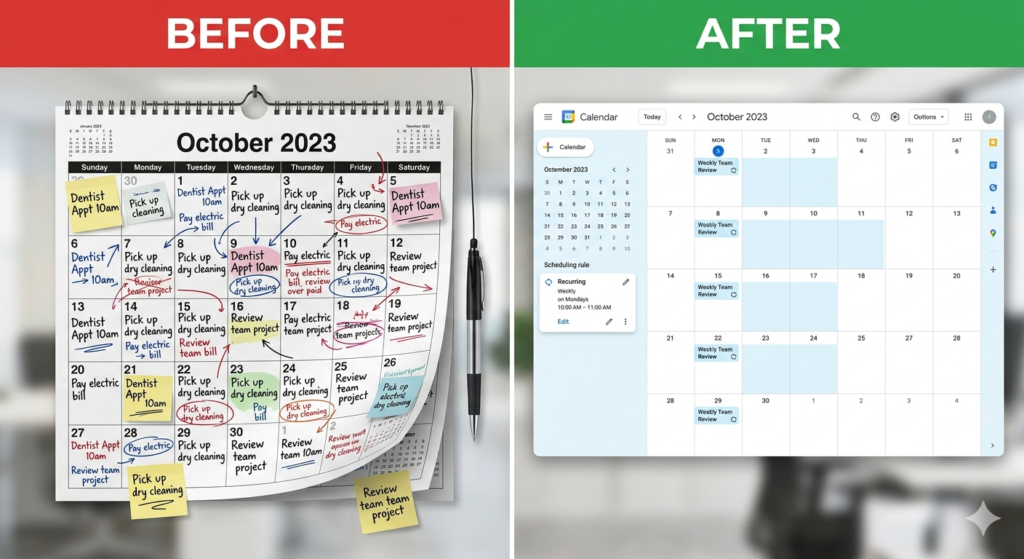
Shopify has a built-in date and time setting for discounts. You can create a discount code and set it to run from October 1 at 12:00am to October 1 at 11:59pm.
The limitation: it only works once.
If you want to run the same discount every Friday, Shopify doesn’t offer that natively. You’d need to:
- Create a new discount code every Friday
- Manually schedule each one
- Disable each one at the right time
- Archive old ones to keep your discount list manageable
For a store with 5+ recurring promotions, this becomes unwieldy quickly.
How Adsgun’s Shopify Recurring Sale Scheduler Works
Adsgun’s scheduler solves this by letting you define a recurring rule that never expires.
You set the rule once. Adsgun handles every instance automatically, forever.
Here’s what you can schedule:
Daily recurring rules:
- Every day at 10am (always running)
- Every day at 6pm to 11pm (flash sale window)
- Every day in December (holiday countdown)
Weekly recurring rules:
- Every Friday 6pm to midnight (weekly flash sale)
- Every Monday morning 8am to 5pm (member Monday)
- Every Wednesday all day (midweek special)
Monthly recurring rules:
- First day of the month (monthly member appreciation)
- First Monday of the month (start-of-month sale)
- Every 15th (bi-monthly paycheck promotion)
Seasonal recurring rules:
- Every day in November and December (holiday season)
- Every day in January and February (post-holiday clearance)
- Recurring yearly (same dates every year)
Once you set the rule, Adsgun’s system automatically activates and deactivates the promotion at the right times, with precision timing. No manual work needed.
Real-World Use Cases for Recurring Promotions
Weekly Flash Sales: The Most Common Shopify Recurring Sale
Monday morning, you want to clear weekend inventory. You run a 30% off flash sale every Saturday from 6pm to midnight. Set it once in Adsgun. Every Saturday at 6pm, without you lifting a finger, the promotion goes live. Customers see strike-through pricing across your store. At midnight, it automatically ends.
Your profit margins take a hit only on Saturdays. During the week, regular pricing applies. Adsgun ensures this happens like clockwork.
Monthly Member Appreciation Day
You run a loyalty program. On the first Monday of each month, members get 15% off (exclusive). You set this in Adsgun as a Customer Account promotion (applying only to your “member” tagged customers) with a recurring rule: “First Monday of the month, all day.”
Adsgun handles the scheduling. You focus on marketing the event.
Daily Holiday Countdown
December 1-25, you run a daily promotion: “Only 25 days until Christmas! 10% off sitewide.” Every single day, a small countdown discount appears. Set the rule once: “Every day from December 1-25.” Adsgun counts down automatically.
Seasonal Sales Cycles
Your store runs deep discounts September-October for back-to-school. You set a recurring yearly rule: “Every day, September 1 – October 31, 25% off school supplies.” Next year, when September 1 arrives, the promotion automatically activates. No annual setup needed.
Step-by-Step: Creating a Shopify Recurring Sale
Let’s set up a weekly flash sale: “Every Friday, 6pm to midnight, 25% off everything.”
Step 1: Create the Promotion
- Open Adsgun in your Shopify admin
- Click “Create Promotion”
- Name it: “Friday Flash Sale”
- Set the discount: 25% off
- Choose which products or collections (or leave blank for everything)
- Set visibility: Public (so all customers see it)
Step 2: Set the Recurring Schedule
- In the “Scheduler” section, click “Add Schedule”
- Choose “Recurring Rule”
- Select “Weekly”
- Check the box for “Friday”
- Set the time to start: 6:00pm
- Set the time to end: 11:59pm (or midnight, which Adsgun interprets as 12:00am the next day)
- Confirm the timezone matches your store’s timezone
Step 3: Publish
- Click “Publish” or “Save as Active”
- Done
Now, starting this Friday at 6pm, and continuing every Friday at 6pm for as long as you want, Adsgun will activate this promotion automatically.
Advanced: Combining Recurring Rules with Other Features
Recurring promotions work with all of Adsgun’s other features:
Stacking with public and private promotions:
- Run a recurring public promotion (20% off, every Friday)
- Plus a recurring customer account promotion (30% off for VIP members, same Friday)
- Both stack automatically. VIPs get the extra 10%.
Announcement bar:
- Set a recurring promotion with Adsgun’s announcement bar enabled
- The bar automatically appears when the promotion is active
- Disappears when it ends
- Re-appears the next week at the scheduled time
Bulk codes:
- Create a recurring email-exclusive promotion
- Generate bulk codes for your email list
- Set the scheduler to run “Every Wednesday morning, 8am to 5pm”
- Customers who receive the email that morning can use the code immediately. At 5pm, the promotion ends.
Avoiding Recurring Rule Mistakes
When setting up recurring promotions, watch for these common issues:
Timezone confusion: If your store operates in EST but your business is in PST, set the scheduler to your store’s timezone (in Shopify settings). Adsgun reads from there.
Overlapping rules: If you set “25% off every Friday” and also “30% off every Friday,” both rules activate and stack. This might be intentional, but check.
Forgetting to set an end date (when you want one): A recurring rule runs indefinitely until you disable it. If you want a promotion to run “every Friday for the next 3 months only,” set an end date in the rule. Otherwise, it will keep recurring next month and beyond.
Daylight saving time shifts: If you run recurring rules with specific times (6pm), remember that daylight saving time shifts when your store observes. Adsgun accounts for this automatically using your Shopify timezone setting, but worth noting.
When Manual Scheduling Is Better Than Recurring
Recurring rules are powerful, but not every promotion should be automated.
- One-off events – A single “10% off on our anniversary” event that happens once per year. You could set it as a recurring rule, but if you adjust the date or discount next year, manual scheduling is simpler.
- Experimental promotions – You’re testing a new offer and don’t know if you’ll keep it. Don’t set it to recur indefinitely. Enable it manually until you’re sure.
- Unpredictable timing – A promotion that runs “whenever inventory is low.” You can’t schedule that; you need to enable it manually as situations arise.
For everything else – predictable, repeating promotions – recurring rules eliminate work and guarantee consistency.
The Business Impact of Reliable Recurring Promotions
When customers know you run a reliable weekly promotion, they start planning around it.
“I’ll buy Friday night when the flash sale happens” becomes a habit. Your Friday traffic becomes predictable. You can staff support, prepare fulfillment, and plan inventory accordingly.
Compare that to manual promotions: some weeks it starts late, some weeks it’s forgotten, customers lose trust in the timing.
Reliable automation builds customer habits, which builds revenue consistency.
Automate Your Recurring Promotions Starting Today
If you’re running any promotion more than once, it should be automated. Adsgun’s scheduler takes 5 minutes to set up and saves you hours per year while improving consistency and customer experience.
No more Friday night admin panic. No more forgotten promotions. Just set it, publish it, and focus on growing your business while Adsgun handles the timing.




