
Shopify Sale Price Not Updating in Real Time: How to Fix It
You change a sale price but it takes minutes to show up across your store. This is CDN caching combined with compare at price slowness. Real Shopify discounts with Adsgun update instantly.
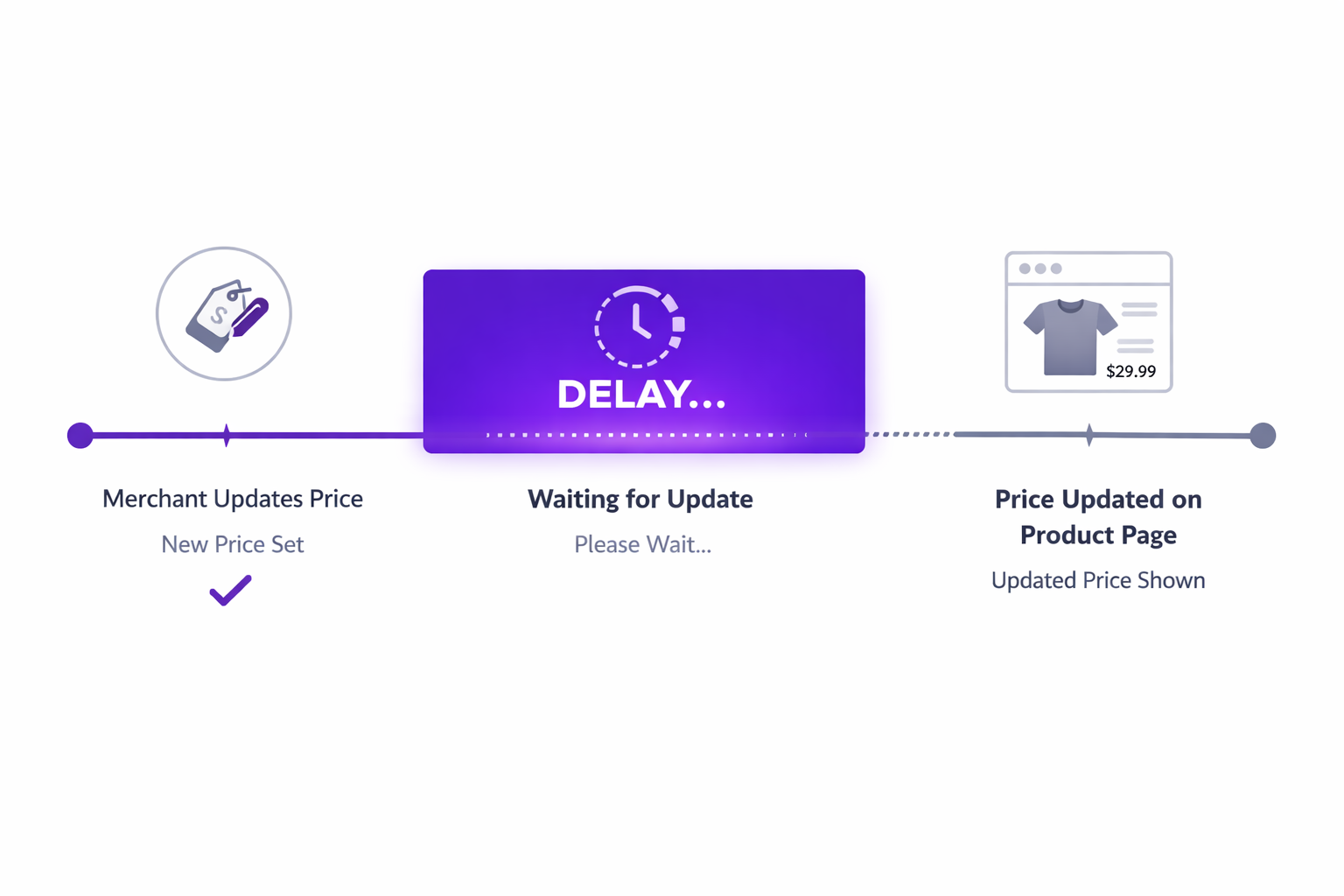
The Problem: Shopify Sale Price Not Updating in Real Time
You are dealing with a Shopify sale price not updating issue right when timing matters most. You schedule a flash sale. At 6pm, you want to activate “30% off everything” for the next hour. You update the price in Shopify admin at 5:59pm.
You check your store at 6:01pm. The price still shows the old amount. You wait a couple minutes. Still old. Finally, at 6:05pm, the new price appears.
But your flash sale is already 5 minutes old and only 55 minutes remain. That 5-minute delay just cost you.
Here is another scenario: you are running an A/B test on two discount percentages. You try 15% off for the first hour, then switch to 20% off. But the price does not update immediately, so for several minutes your store shows the wrong discount.
This is not a bug. It is how Shopify’s caching system works.
Why Shopify Sale Prices Update Slowly: The Caching Layer
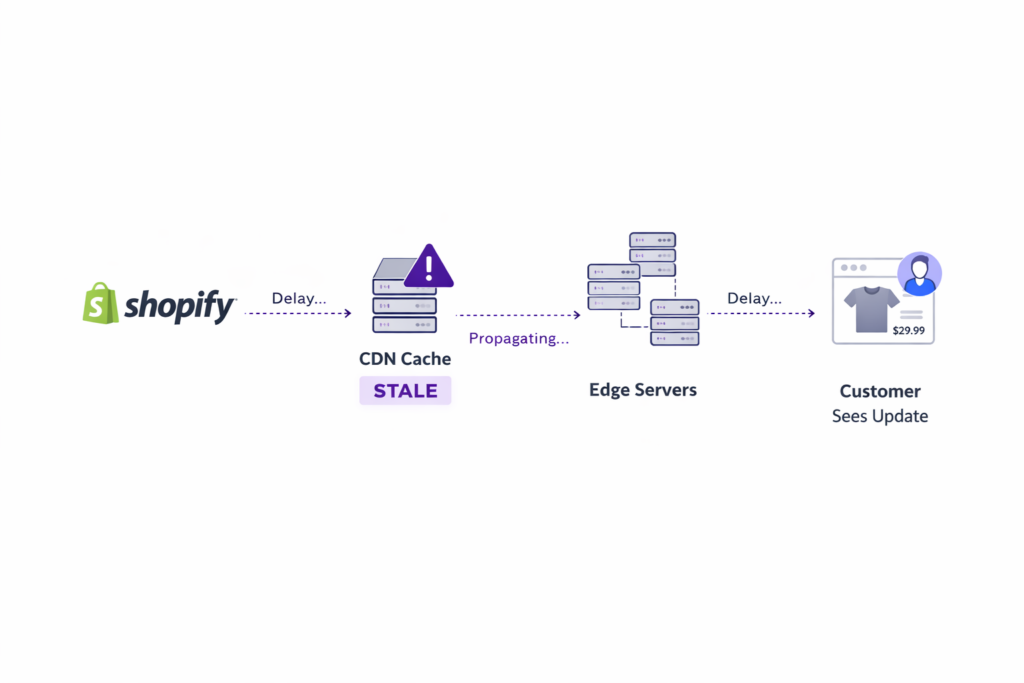
Shopify uses a CDN (content delivery network) to serve your store fast. CDN servers are spread globally, caching your store pages at the edge so they load instantly for customers anywhere in the world.
When you update a compare at price in Shopify admin, here is what happens:
- Shopify stores the change in its database
- Shopify tells the CDN that the product page cache is now stale
- The next customer to request the page clears the cache
- Shopify regenerates the page with the new price
- The CDN caches the new version
This process takes a few minutes to propagate globally, because:
- The cache invalidation signal spreads across dozens of edge servers
- Some servers might not get the signal immediately
- Different regions update at different speeds
For most pricing changes, a 2-5 minute delay is fine. For flash sales or time-sensitive promotions, it is not.
Compare at Price Makes the Delay Worse
If you are using manual compare at price (the common approach), the delay is even longer because you have to:
- Edit the product
- Update the compare at price field
- Save
- Shopify processes the save
- Invalidates the cache
- Customers see the new price
That is multiple round trips, which extend the delay.
Real-Time Fix: How Adsgun Solves Shopify Sale Price Not Updating
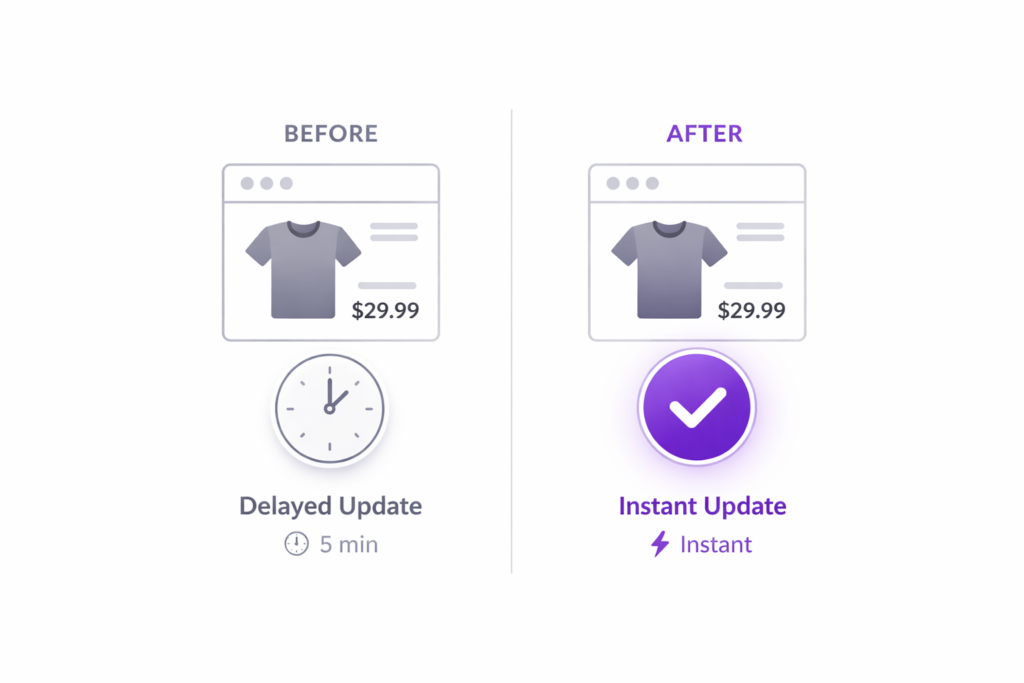
Adsgun takes a different approach. Instead of storing prices on the product and relying on cached pages, Adsgun calculates prices at the moment the page loads.
Here is the flow:
- Customer visits product page
- Page loads (from CDN cache, fast)
- Adsgun script runs on the page
- Adsgun queries Shopify’s discount engine in real time
- Adsgun calculates the discounted price
- Adsgun displays the price
The entire flow happens in milliseconds. The price is always current because it is calculated fresh every time the page loads, not served from cache.
Why This Matters: The Flash Sale Use Case
Flash sales are a common e-commerce tactic. You run a time-limited promotion to drive urgency and volume. When Shopify sale price is not updating in real time, those minutes of delay directly cut into your results.
With compare at price:
- 5:59pm you update the price
- 6:00pm sale starts
- 6:05pm customers finally see the sale price
- Sale ends at 7:00pm
- You have only shown the discount for 55 minutes
With Adsgun:
- 5:59pm you update the discount in Shopify
- 6:00pm customers see the sale price (instant)
- Sale ends at 7:00pm
- You have shown the discount for the full hour
That 5 minutes is the difference between a successful flash sale and a mediocre one. On a store with high traffic, that is real revenue. For more tactics on driving sales with time-sensitive promotions, see how to push sales on Shopify.
The Scheduler: Automated, Real-Time Discounts
Adsgun takes this further with its built-in scheduler. You can set a discount to activate at a specific time, and it will apply exactly at that time with zero delay.
Example: You want to run a weekly flash sale every Friday at 6pm.
- Set up an automatic discount in Shopify (30% off)
- Create a promotion in Adsgun pointing to that discount
- In Adsgun’s scheduler, set the promotion to activate Friday at 6pm and deactivate Friday at 7pm
- Set it to repeat every Friday
Now every Friday at exactly 6:00pm, Adsgun activates the promotion and shows the 30% off price. At 7:00pm, it deactivates. No manual intervention, no caching delays.
Technical Deep Dive: Why Runtime Calculation Is Better
Cached approach (compare at price):
- Calculation time: When you manually update the price
- Delivery method: Pre-calculated and cached
- Latency: 2-5 minutes for cache propagation
- Updates required: Every discount change requires a page cache invalidation
Runtime calculation (Adsgun):
- Calculation time: When the page loads
- Delivery method: Calculated fresh
- Latency: Milliseconds (in-page calculation)
- Updates required: None (always fresh)
The trade-off: runtime calculation uses slightly more CPU per page load, but that is negligible. The benefit of having Shopify sale prices updating in real time is massive.
Edge Cases: What About Mobile Apps and Email?
Adsgun works on web pages. For mobile apps and email, the dynamics are different.
Mobile apps: If you have a Shopify mobile app, prices shown in the app come from the mobile app backend, not from your website. Adsgun (running on web pages) does not affect the mobile app directly. However, if your app fetches product data from your API, that data can be updated in real time using similar runtime calculation techniques.
Email: If you are sending product recommendations in email with prices, those prices are calculated when the email is sent, not when the customer opens it. For email, you would want to use dynamic content blocks that calculate prices at open time, a feature some email platforms support.
For your web store (where most conversions happen), Adsgun’s real-time pricing is the cleanest solution. If you are also dealing with discounts not appearing before checkout, see why Shopify discounts do not show until checkout and how to fix it.
Ready to Fix Shopify Sale Price Not Updating in Real Time?
If you are losing revenue to caching delays during flash sales, it is time to upgrade. Adsgun calculates prices in real time, so your discounts are always current.
Try it free for 7 days. Set up a time-triggered discount and watch it activate with zero delay.




