
Shopify Sale Badge Not Showing on Collection Page: 5 Causes & Fixes
Your Shopify sale badges work on product pages but not collections. We walk through 5 common causes: theme limitations, discount types, variant issues, CSS, and compare at price — and the fix for each.
The Frustration: Badges Disappear on Collections
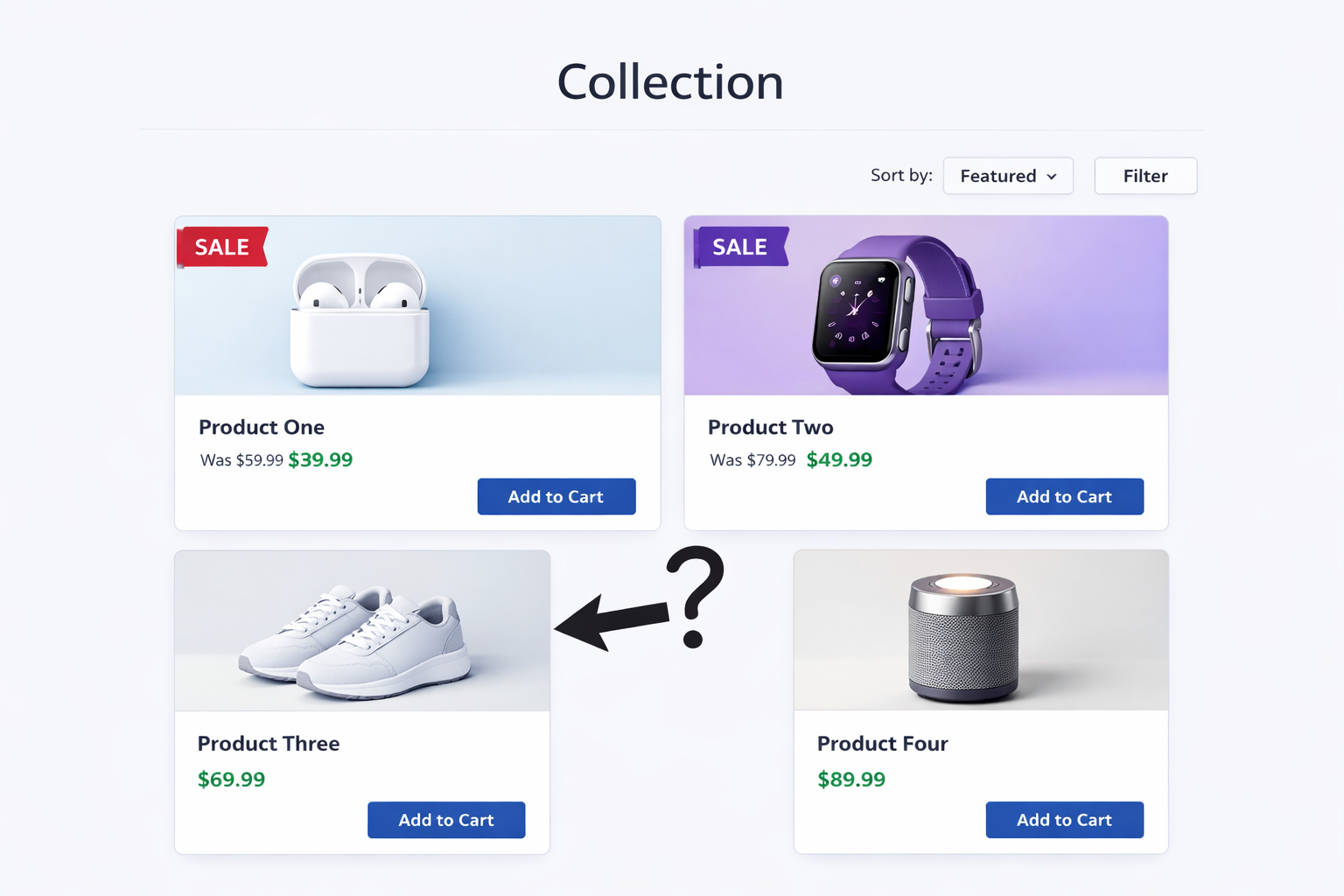
You’ve set up sale pricing on your products. When you view a product page, the “SALE” badge is right there in red. But when you look at your collection pages, the badges are gone, or they’re only on some products, not all. If you’re dealing with the common issue of shopify sale badge not showing, you’re definitely not alone.
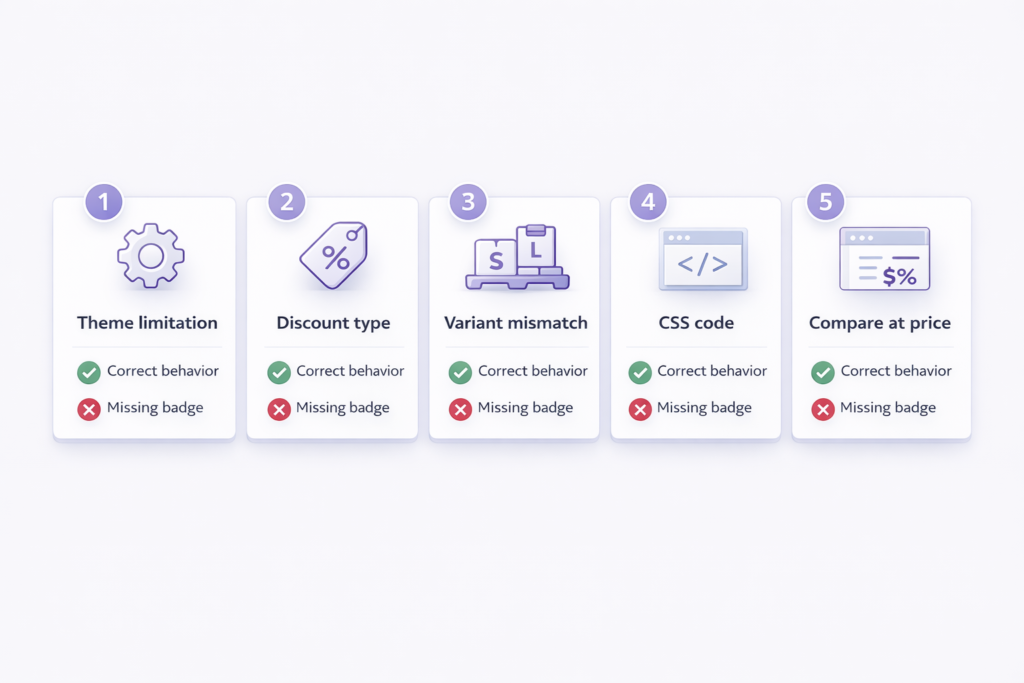
This is one of the most common collection page issues, and it has 5 different root causes. Let’s walk through each one and the fix.
Cause 1: Your Theme Doesn’t Show Sale Badges on Collection Cards
Some Shopify themes support sale badges on product pages but not on collection cards. It’s a theme design choice.
How to tell: Check your product page (the badge is there) and your collection page (missing). If the theme designed it this way, the badge won’t show on collections even though the discount exists.
How to fix:
- Option A: Switch to a theme that supports collection page badges (most modern themes do).
- Option B: Ask your theme support to add the feature. Many theme developers will do this in 24-48 hours.
- Option C: Use an app like Adsgun that adds badges independently of the theme.
Cause 2: You’re Using Automatic Discounts Instead of Compare at Price
Shopify’s sale badges are built to show when there’s a “compare at price” set on the product. If you’re using automatic discounts instead, Shopify doesn’t show a badge because from the product data perspective, there’s no compare at price, just a discount rule that applies at checkout.
How to tell: Go to your product in Shopify admin. Under Pricing, is “Compare at price” filled in? If not, that’s the issue.
How to fix:
- Option A: Set a compare at price on the product (manual, requires updates).
- Option B: Use real Shopify discounts and show them with an app like Adsgun (which adds badges for all discount types, not just compare at price).
This is why using real discounts with Adsgun is better than compare at price. Adsgun adds badges even when you’re using automatic discounts.
Cause 3: Variant Inconsistency
If a product has multiple variants and some variants have a compare at price while others don’t, the collection card might not show a badge. Shopify uses the first variant’s compare at price to determine if a badge shows.
How to tell: Go to your product > Variants. Look at the “Compare at price” column. Do all variants have a value, or are some blank or $0?
How to fix: Make sure all variants have the same compare at price. You can bulk edit this by going to Products > Your Product > Edit > Variants, clicking the “Compare at price” column header, and setting all variants to the same value.
Cause 4: CSS Is Hiding the Badge Element
Rarely, custom CSS (either in your theme or from a customization) hides the badge element on collection cards but not product pages.
How to tell: Right-click on a collection product card in your browser. Select “Inspect.” Look for an HTML element with “badge” or “sale” in the class name. If it’s in the HTML but hidden with display: none in the CSS, that’s your problem.
How to fix: Contact your theme support or a developer to find and remove the CSS rule hiding the badge.
Cause 5: The Compare at Price Equals the Selling Price
If you’ve set compare at price to the same value as the selling price, Shopify assumes there’s no discount and doesn’t show a badge.
How to tell: Go to your product > Pricing. Is “Compare at price” the same as “Selling price”? If so, that’s it.
How to fix: Change the compare at price to be higher than the selling price. Even $0.01 more triggers the badge.
Why the Shopify Sale Badge Not Showing Issue Happens
The core issue: Shopify’s native sale badges only work with compare at price. They don’t work with automatic discounts, discount codes, or complex promotion logic.
So if you’re running a “20% off everything” automatic discount (which is a real Shopify discount in the discount engine), no badge shows. The discount is real, it works at checkout, but visually your products look full price on collection pages.
This is a gap in Shopify’s design. It made sense when Shopify primarily used compare at price, but it doesn’t work for modern stores running actual discounts.
The Real Problem Isn’t the Badge
Most store owners think this is a badge issue. It’s not.
It’s a discount visibility problem.
Shopify does not show real discounts on collection pages unless you use compare at price. That means your products can look full price even when they are discounted.
And when customers don’t see the discount early, conversion drops.
The Better Solution: Adsgun Smart Badges
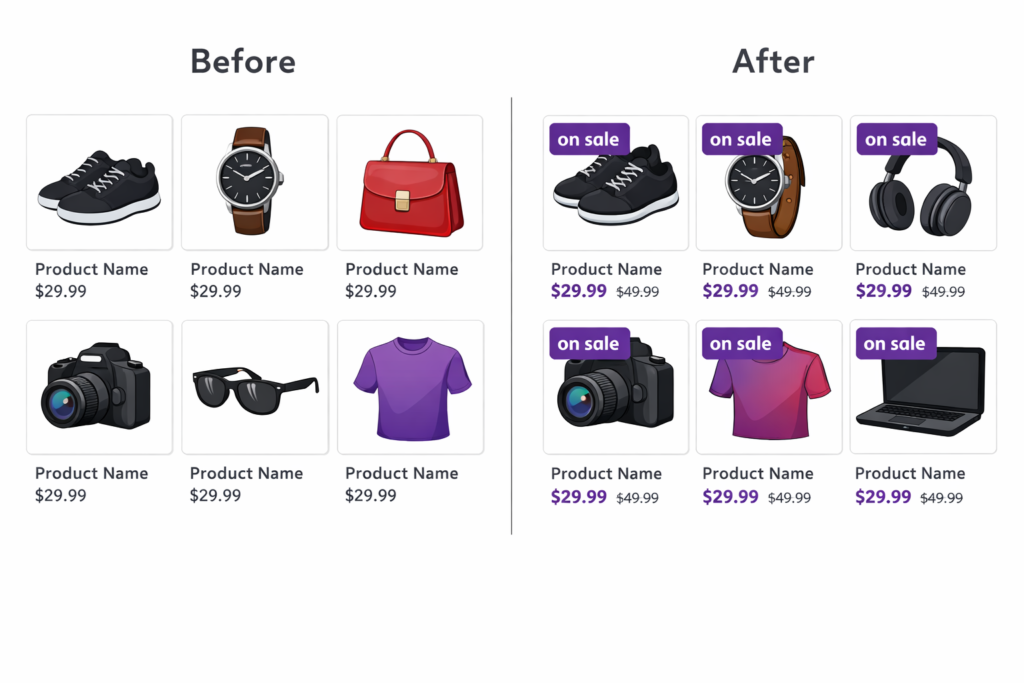
Instead of wrestling with Shopify’s native badges, use Adsgun. When you create a promotion in Adsgun, you can enable smart badges that show on product cards with:
- The word “SALE” (or custom text)
- The discount percentage (“20% OFF”)
- The savings amount (“Save $20”)
- The original price struck through
These badges work with all discount types: automatic discounts, discount codes, and compare at price. They show consistently on product pages, collection pages, and cart. And they update in real time when you change discounts. Fixing the shopify sale badge not showing issue is less about quick tweaks and more about understanding how Shopify handles discounts and visibility.
The beauty: Adsgun badges aren’t dependent on Shopify’s native badge system. They’re independent. So they work even with automatic discounts, which the native system doesn’t support.
Ready to Fix This?
Your discounts are real. Your sale badges should be too. If your badges are missing or inconsistent on collection pages, it’s time to upgrade.
Try Adsgun free for 7 days and see smart sale badges on every product card, every page.
If your discount is also not visible in cart, check our guide on shopify automatic discount not showing in cart




