
Subway's BOGO Secret: Buy One Get One for Shopify
Learn how Subway's BOGO strategy works and how to set up Buy One Get One deals on Shopify with visible strikethrough pricing that actually converts.
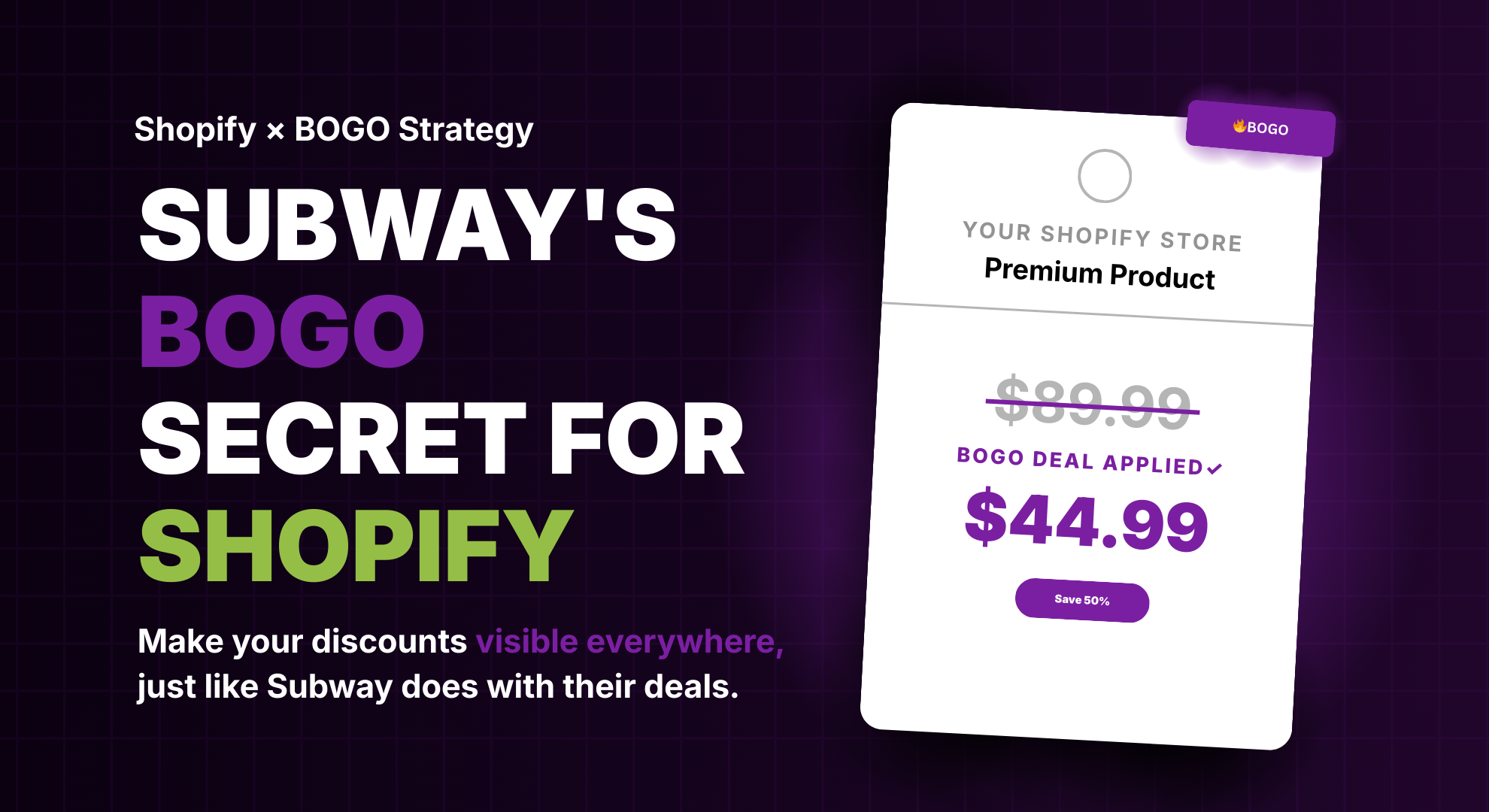
What Subway Knows About BOGO That Most Shopify Stores Don't
There's a reason Subway keeps running Buy One Get One deals year after year. Codes like BOGO50, BOGO1, and BOGOFL aren't random promotions; they're part of a carefully designed strategy that drives millions of repeat orders through the Subway app. And here's what most Shopify store owners miss: the deal itself isn't what makes it work. It's how visible Subway makes the deal at every single touchpoint.
When you open the Subway app, you see the BOGO offer front and center. The savings appear before you even pick your sandwich. The promo code is right there, easy to apply, and the discounted price shows up instantly. There's zero confusion about what you're getting.
Now compare that to the average Shopify store running a BOGO deal. You set up a great promotion, but your customers can't actually see the savings until the final checkout step. No strikethrough pricing on product pages, no compare at price on collections, no visible deal in the cart. You're essentially running a sale that nobody knows about, and that's costing you real money.
Let's break down what makes Subway's approach work, how to set up BOGO on your own store, and how to make sure your customers actually see the deal.
How Subway Structures Their BOGO Deals (And What You Can Steal)

Let's look at what makes Subway's BOGO promotions so effective, because there are real principles you can apply directly to your Shopify store.
- Clear, simple promo codes. Subway uses codes like BOGO50 (buy one, get 50% off the second) and BOGO1 (buy one, get one for $1). Customers instantly understand what they're getting. For your Shopify store, keep your codes short, descriptive, and easy to remember.
- Savings displayed before checkout. In the Subway app, the discounted price appears the moment you add items to your order. You see the original price, the discount, and the final price all at once. This is what your Shopify promotions should look like: discounted prices visible on product pages, collection pages, and in the cart.
- Easy code input. Subway makes it dead simple to apply a promo code right in the app before you finalize your order. Many Shopify stores only let customers enter a code at the checkout page, which is too late. Adding an in-cart coupon input lets shoppers apply codes earlier, keeping them engaged.
- Rewards program integration. Subway ties their best BOGO offers to their Sub Club rewards program, encouraging repeat orders and loyalty. You can do something similar with automatic discounts that reward returning customers.
The takeaway isn't that you need to copy Subway's exact playbook. These are exactly the kind of strategies that push sales on Shopify. It's that every touchpoint, from the first ad to the final checkout, needs to clearly communicate the deal. When there's zero friction between seeing a promotion and understanding the savings, conversions follow.
How to Set Up BOGO on Shopify (And Where It Falls Short)
Shopify has a native Buy X Get Y discount type built into the admin. Setting up the discount itself takes just a few minutes:
In your Shopify admin, go to Discounts → Create discount → Buy X get Y. Choose between a discount code (customers enter a code like BOGO50) or an automatic discount that applies when conditions are met. Set your "Customer buys" quantity, pick the qualifying products, then configure the "Customer gets" reward - Free, Percentage off, or a fixed Amount off. Set your date range, usage limits, and save.
Shopify's native tool supports the most common BOGO variations: buy one get one free, buy one get one at 50% off, buy two get one free, or spend a minimum amount and get a free gift.
Here's where it falls short. Once you've created the promotion, nothing changes on your storefront. Your product pages still show the full price. Your collection pages have no indication a deal is running. The cart shows regular pricing. The only place a customer discovers they're getting a BOGO deal is the final checkout step after 70% of shoppers have already left.
On top of that, Shopify doesn't automatically add the free or discounted item to the cart. Customers need to add both items themselves - and if your messaging isn't crystal clear, many will never realize they need to add a second item to trigger the deal. That's a conversion killer for BOGO promotions.
Adsgun solves both of these problems. Once your BOGO is set up in Shopify, Adsgun connects that discount to your storefront and displays strikethrough pricing, savings badges, and discount summaries across your entire store. And for BOGO deals specifically, it can automatically add the free or discounted item to the cart, so the customer sees the deal, understands the savings, and gets the reward without any extra steps. The same frictionless experience Subway delivers in their app.
Full disclosure: we built Adsgun to solve this exact problem. See how to get started
Why Invisible BOGO Deals Are Costing You Sales

Here's a scenario that plays out on thousands of Shopify stores every day. You run a "Buy 2, Get 1 Free" promotion. You share it on social media and in your email campaigns. Customers click through and land on your product page, only to see the regular price. No strikethrough. No "Save 33%." No visual indication that a promotion is running.
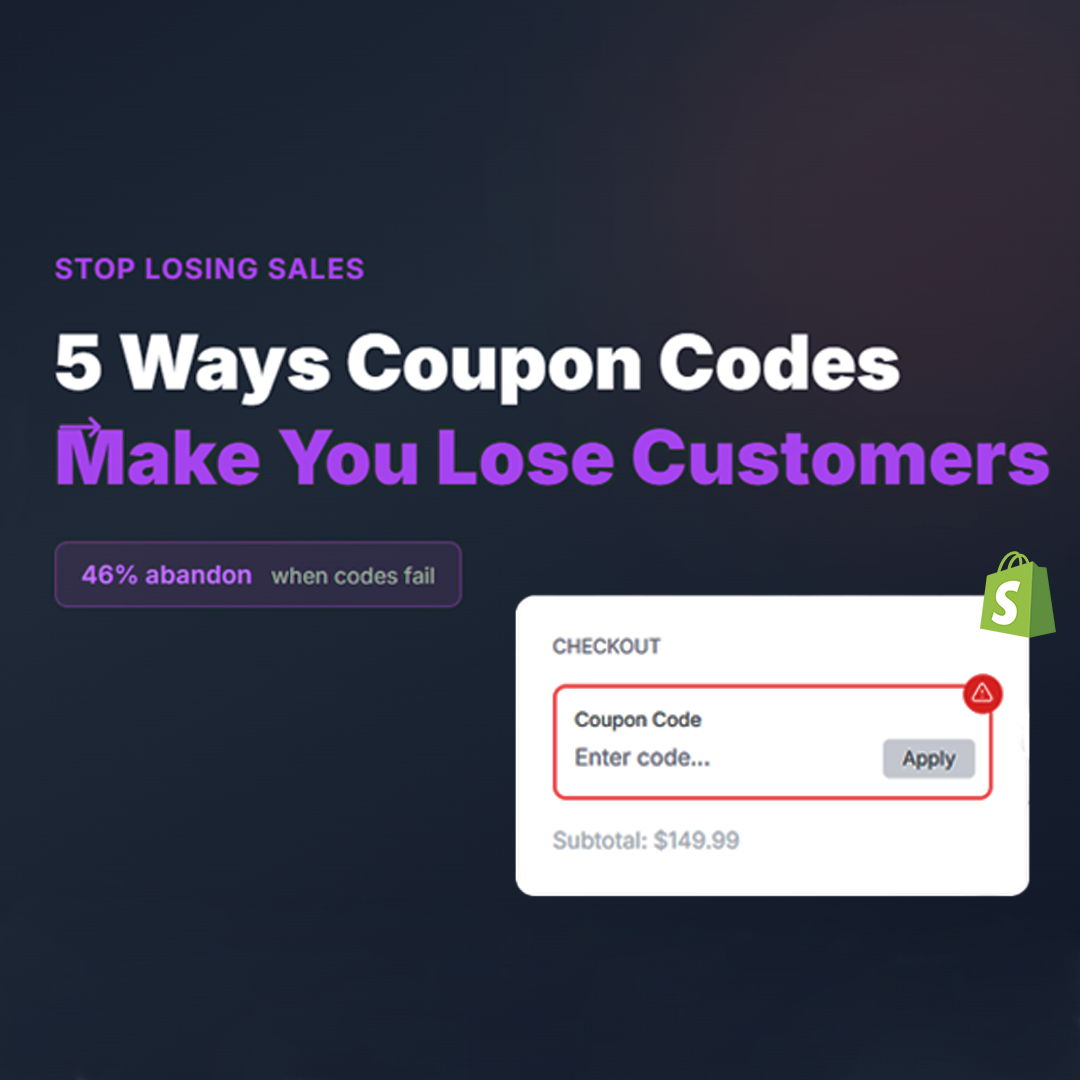
What happens next? Most visitors assume the deal isn't active or they've landed on the wrong page. They leave. The ones who do add items to their cart still don't see the discounted price until the very last step, and by that point, many have already lost interest. This is one of the most common ways coupon codes actually lose you customers instead of converting them.
The numbers back this up. The average Shopify cart abandonment rate hovers around 70%, and nearly half of shoppers abandon specifically because of unexpected costs or unclear pricing. A better checkout design and clearer pricing can recover a significant portion of lost sales, with Baymard Institute research suggesting improvements of up to 35%. Simply making discounts visible earlier in the buying process is one of the most effective ways to improve sales without spending more on ads.
This means your BOGO deal needs to be visible everywhere your customer looks. Strikethrough pricing on every product page so customers immediately understand the value. Savings displayed on collection pages so shoppers don't have to click into individual products to discover a deal. Discounts reflected in the cart with the original price, the discount applied, and the final price clearly shown. And an in-cart promo code input, so customers can apply their code before checkout, just like Subway does in their app.
And there's a reporting angle too. If you're using compare at price to manually mark down products for your BOGO deal instead of using real Shopify discounts, your analytics are lying to you. Shopify records the lower price as gross revenue with no discount tracked, which makes your average order value appear lower, hides your discount spend, and prevents your reports from showing the true performance of your promotions. We covered this in detail in our guide on what compare at price actually does to your Shopify analytics.
Frequently Asked Questions
Does Shopify have a native Buy One Get One feature?
Yes. Shopify has a built-in Buy X Get Y discount type in the admin under Discounts. You can create both discount code and automatic discount versions. The native tool supports variations like buy one get one free, buy one get one at a percentage off, and minimum spend thresholds. The main limitation is that Shopify won't display the savings on your storefront or automatically add the free item to the customer's cart.
How do I show BOGO savings on product pages?
By default, Shopify doesn't display discounted pricing from Buy X Get Y promotions on product or collection pages. The savings only appear at checkout. To show strikethrough pricing and visible savings across your store, you need a third-party app like Adsgun or custom theme code. Adsgun connects directly to your existing Shopify discounts and displays the savings automatically.
What's the difference between BOGO with discount codes vs automatic discounts?
Discount codes require customers to manually enter a code (like BOGO50) at checkout or in the cart. Automatic discounts apply the deal as soon as qualifying items are in the cart, with no code needed. Automatic discounts create a smoother shopping experience, but discount codes give you better tracking and let you run targeted campaigns through email or ads. You can also use both at the same time for different promotions.
Can I run multiple BOGO promotions at the same time?
Yes, but with limitations. Shopify allows you to combine certain discount types; for example, a Buy X Get Y discount can be used together with a free shipping or an order-level discount. However, you can't stack two Buy X Get Y discounts on the same order. If you need multiple simultaneous promotions targeting different customer segments, use separate discount codes for each.
Does using compare at price for BOGO deals affect my Shopify reports?
Yes, and this is a common mistake. If you manually lower product prices and set a compare at price instead of using real Shopify discounts, your gross revenue will appear lower in Shopify Analytics and your discount spending won't be tracked. Real Shopify discounts keep the full product price in your reports and show the discount as a separate line item. This gives you accurate AOV, proper discount tracking, and clean data for accounting. We break this down fully in our compare at price guide.
How often does Subway run BOGO promotions?
Subway runs BOGO deals almost continuously. Codes like BOGO50 and BOGO1 rotate regularly through the Subway app, and new promo codes typically refresh monthly. Subway also ties their best BOGO offers to the Sub Club rewards program, giving members early access and exclusive deals. National events like National Sandwich Day often feature a full buy-one-get-one-free footlong deal. The fact that Subway runs these promotions year-round, not just during holidays, says everything about how effective they are. For Shopify stores, the same principle applies: BOGO deals aren't just for Black Friday. Running them consistently as part of your regular marketing strategy, with visible pricing and easy code entry, drives repeat purchases and keeps customers coming back.
The Bottom Line
Subway's BOGO success isn't just about giving away sandwiches; it's about making every promotion impossible to miss. The deal is visible from the first screen, the code is easy to enter, and the savings are confirmed instantly. Every touchpoint reinforces the value.
Your Shopify store doesn't need a million-dollar marketing budget to do the same thing. Set up your BOGO deal using Shopify's native Buy X Get Y discounts, make the savings visible across your product and collection pages, and let customers apply codes before checkout.
Whether you're launching your first BOGO promotion or optimizing an existing one, the lesson from Subway is clear: the best deal in the world doesn't work if nobody can see it. Making your discounts visible is the single highest-impact change you can make, and tools like Adsgun make it automatic.



.png)