
Shopify Discount Only Shows at Checkout: Why and How to Fix It
Most Shopify discounts are invisible until the final payment step. Learn why this happens by design and how to surface those savings earlier to reduce cart abandonment.
This Isn’t a Bug, It’s Architecture
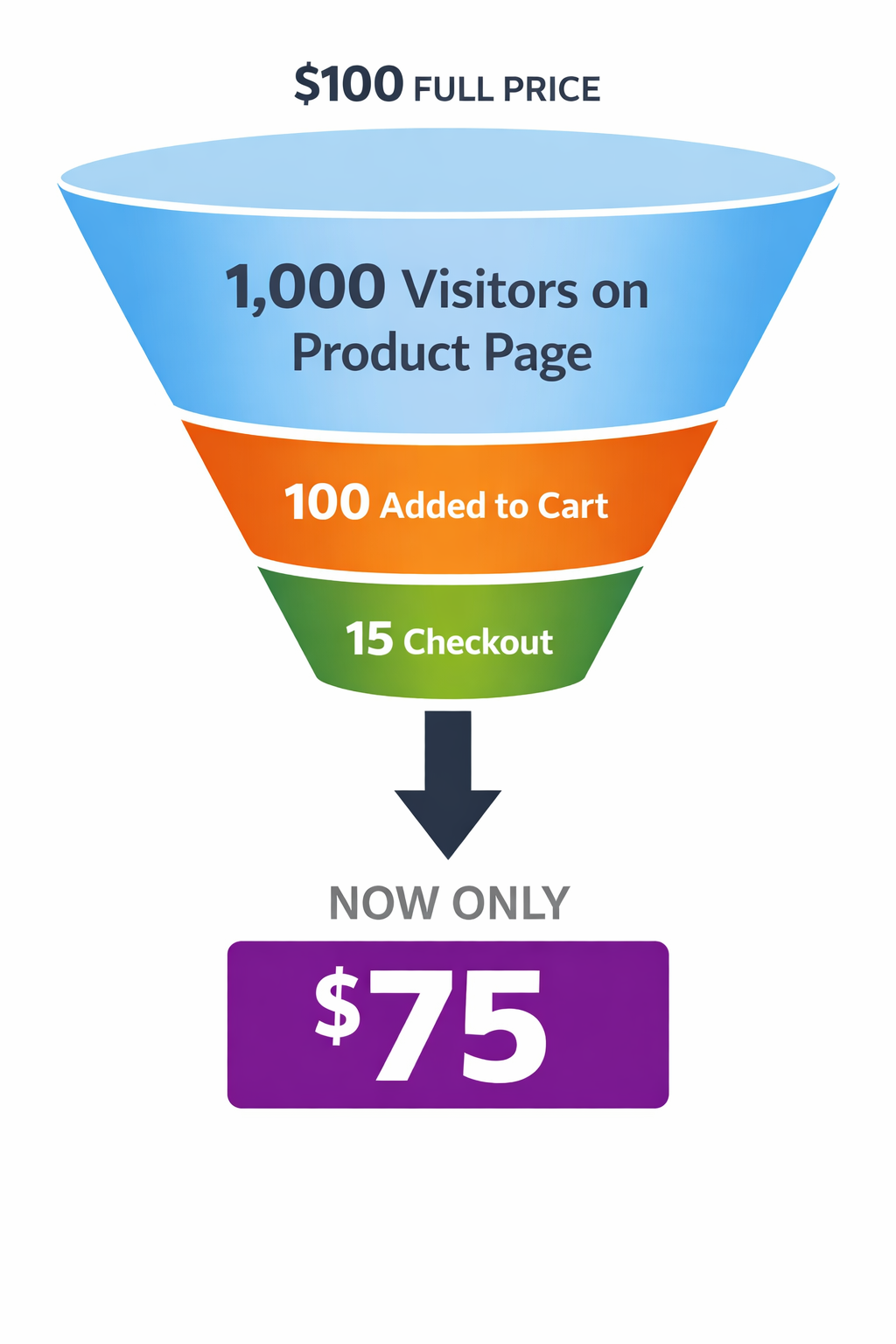
When you create a Shopify automatic discount, you’re not changing the price of your products. You’re creating a rule that applies at checkout time. However, many merchants are frustrated when a shopify discount only shows at checkout and remains hidden on the product page. The product price stays the same until the final step. This is by design.
Shopify built its discount system this way because it’s technically simpler, as discounts live in the checkout engine, separate from product data. But this architectural choice has a huge cost: most of your shoppers never see the discount.
The Real Cost When Your Shopify Discount Only Shows at Checkout
Let’s look at real funnel numbers. Assume you have 10,000 shoppers visiting your store per month.
- 10,000 visit your store
- 5,400 click into product or collection pages (54%)
- 950 add something to cart (9.5%)
- 150 reach checkout (1.5%)
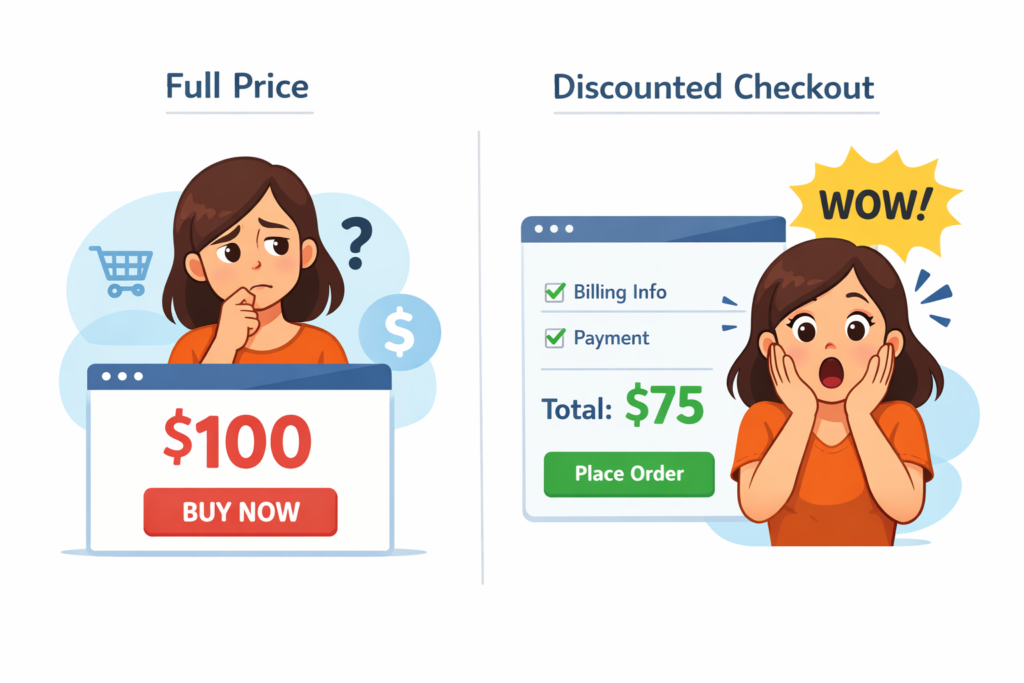
These benchmarks, tracked by platforms like Triple Whale, show a clear pattern. If your shopify discount only shows at checkout, 9,850 shoppers (98.5% of your traffic) never see it.
Many of those people are browsing because they’re comparison shopping. They visit your product page, see a price, compare it mentally to a competitor, and leave. They never know about your discount because it’s invisible. According to the Baymard Institute, roughly 70% of shoppers abandon their journey due to pricing friction before they even reach the final step.
Let’s assign a conservative value to this. Assume:
- Your average order value is $100
- Your normal conversion rate (without visible discounts) is 1.5% (150 out of 10,000)
- That’s $15,000 in monthly revenue
Now assume that showing your discount on product pages increases conversion by just 10% (conservative based on industry data). Suddenly you’re converting 165 orders instead of 150. That’s $1,500 in extra monthly revenue, or $18,000 per year, from the same traffic.
And that’s conservative. The Tire Streets case study showed a 14% lift in conversion rate just from showing discounts on product pages. That’s $2,800 per month on a 10,000-visitor store.
The question isn’t “Can I afford to fix this?” It’s “Can I afford not to?”
Why Shopify Designed It This Way
Understanding the “why” helps you understand the fix.
Shopify’s discount system was built when most e-commerce was simpler. Stores ran one or two promotions at a time. The checkout was the funnel bottleneck, so that’s where Shopify focused. They calculated discounts at the final moment, at checkout, to ensure accuracy.
But modern stores run multiple concurrent promotions:
- A 15% off automatic discount for everyone
- A “Buy 2, Get 1 50% Off” promotion for specific collections
- A custom code for email subscribers (20% off)
- A VIP customer tag discount (25% off)
- A free gift with purchase over $150
Managing all of these while also calculating the discount on product pages would be complex. So Shopify kept the system checkout-focused. The tradeoff makes business sense for Shopify because it is a simpler system to maintain, but it costs you revenue.
Three Solutions Ranked by Effectiveness
Solution 1: Manually Set Compare at Price (Low Effectiveness)
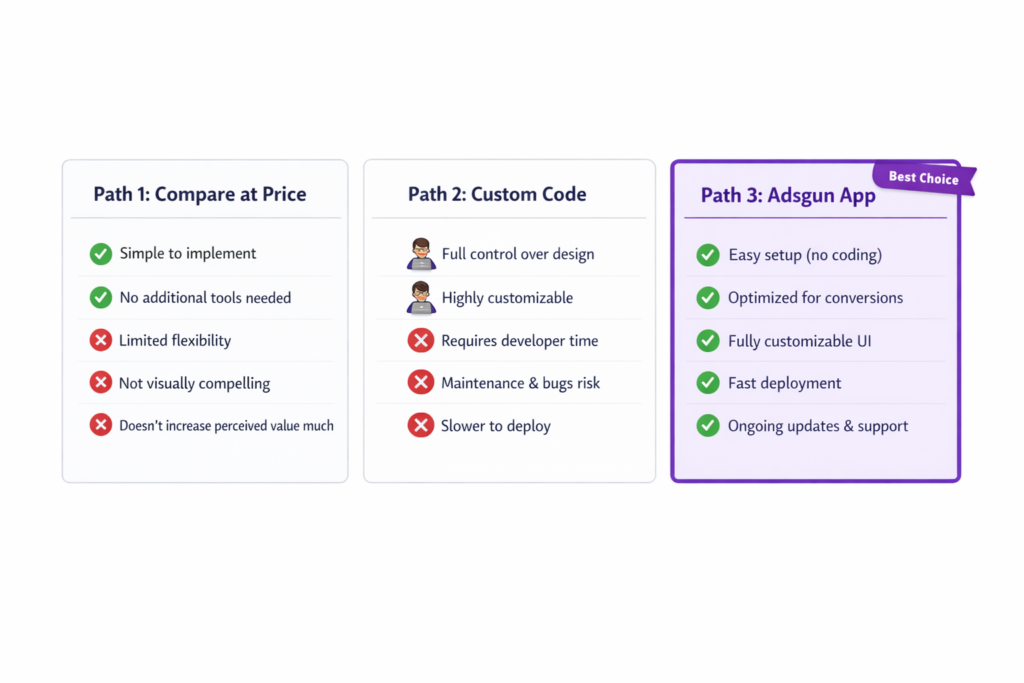
Go to each product, manually set a compare at price higher than the selling price, and Shopify will show it struck through on product pages.
- Pros: No setup cost, already in Shopify
- Cons: Manual update every time you change discounts, doesn’t reflect your actual discount logic, fails with variant inconsistency, doesn’t work well with multiple simultaneous promotions
- Revenue impact: Moderate. If your discount is simple and static, you’ll see a lift. But if you change discounts frequently or run complex promotions, compare at price becomes a nightmare to maintain.
- Grade: C
Solution 2: Custom Theme Code (Medium Effectiveness)
Hire a developer to add Liquid code that calculates discounts and displays them on product pages.
- Pros: Connects to real discounts, can work with complex logic
- Cons: Expensive (4-8 hours of developer time), fragile (breaks when theme updates), requires technical expertise to maintain, doesn’t work with all discount types equally
- Revenue impact: High initially, but degrades over time as the code breaks with theme updates.
- Grade: B
Solution 3: Using Adsgun to Fix a Shopify Discount That Only Shows at Checkout (Highest Effectiveness)
Install an app that reads your real Shopify discounts and displays them on product pages, collection pages, cart, and checkout in real time.
- Pros: No code required, works with all discount types, updates in real time, survives theme updates, handles multiple simultaneous promotions, provides analytics on discount visibility and conversion impact
- Cons: Monthly subscription ($19-249 depending on plan)
- Revenue impact: Consistent. You show discounts where they matter most, right where shoppers make decisions. The Tire Streets case study: same traffic, +14% conversion = $37,800 extra revenue in one week.
- Grade: A
The Numbers: Why Adsgun Is Worth It
The Adsgun Free plan costs $0. The Core plan is $19/month + 1.5% revenue fee.
Let’s do the math on a typical mid-size store:
- 20,000 monthly visitors
- 2% natural conversion rate (without visible discounts)
- $100 average order value
- $40,000 monthly revenue
With Adsgun Core, you show discounts on product pages. Conversion lifts to 2.14% (a 7% lift). That’s $42,800 monthly revenue.
- Adsgun cost: $19 + (42,800 × 0.015) = $19 + $642 = $661/month
- Extra revenue: $2,800/month
- Net benefit: $2,139/month, $25,668/year
The app pays for itself multiple times over. This is a conservative estimate, as many stores see 10-15% lifts.
How Adsgun Solves This
When you install Adsgun, you’re not creating a new promotion. You’re making your existing Shopify discounts visible throughout the customer journey.
Here’s what happens:
- You have a Shopify automatic discount (15% off)
- You create a promotion in Adsgun that connects to that discount
- Adsgun calculates the real discounted price for each product
- On product pages: “Was $100, Now $85” (struck through)
- On collection pages: same strike-through display
- In the cart: the actual price shows with the discount line item
- At checkout: Shopify applies the discount as usual
- In your analytics: you see how many customers saw the discount and whether they converted
The customer sees the discount much earlier in their journey, right when they’re deciding whether to buy or leave for a competitor.
Stop Losing Sales Because Your Shopify Discount Only Shows at Checkout
Your Shopify discounts are powerful. But if your shopify discount only shows at checkout, you’re leaving revenue on the table. The fix is simple: show them where it matters.
Try Adsgun free for 7 days. Display your discounts on product pages, collections, and cart. See how many more customers convert when they know about your offer before checkout.




